When I first started looking into ecommerce, I had no idea how many platforms were out there. It was overwhelming. Everyone had a different opinion, every platform promised to be the “best,” and I didn’t even know what half the jargon meant. I just wanted to sell a few products online without spending a fortune or hiring a developer.
If you’re in that same place, I’ve got you. I’ve tested, researched, and worked with most of the beginner-friendly ecommerce platforms. Here’s the breakdown of what I’ve found.
This isn’t about which platform is the most powerful or the cheapest. It’s about which one actually makes sense for beginners, what they cost, and what tradeoffs come with each one.
Let’s get into it.
| Platform | Best For | Starting Price (USD/month) | Free Plan | Ease of Use | Customization | Scalability | Key Strengths | Key Drawbacks |
|---|---|---|---|---|---|---|---|---|
| Shopify | Beginners serious about ecommerce and growth | $29 (annually) / $39 (monthly) | No | High | Medium | High | Ecommerce-first setup, clean backend, app ecosystem | Can get expensive with add-ons, basic features behind paywall |
| Wix | Simple site + store for non-technical users | $29 | No | Very High | Medium | Low-Medium | Drag-and-drop builder, strong templates | Limited ecommerce depth, harder to scale |
| Squarespace | Creators and design-focused brands with small stores | $23 | No | High | Low-Medium | Low-Medium | Beautiful templates, great for content + commerce | Lacks deep ecommerce tools, fewer integrations |
| Square Online | Retailers with in-person sales needing online store | $0 | Yes | High | Low | Low | Free plan, syncs with Square POS | Limited design and customization, not ideal for pure online |
| Ecwid | Adding a store to an existing website | $0 | Yes | Medium | Low-Medium | Low-Medium | Easily embeds into any site, good multichannel on paid plans | Limited standalone branding, growth limitations |
| WooCommerce | WordPress users who want full control | ~$20–$60+ (hosting, plugins) | No | Medium | Very High | High | Full flexibility, open-source, great for content-heavy sites | More setup and maintenance, plugin conflicts possible |
1. Shopify – Best If You Want an Ecommerce-First Platform That Can Scale

Shopify is the first platform I recommend when someone asks, “What should I use to start selling online?” It’s built from the ground up for ecommerce. Everything about it—from product setup to payment processing—is designed for selling, not just displaying.
Pricing
| Plan | Monthly Cost (USD) | Annual Billing Cost (USD/month) |
|---|---|---|
| Basic | $39 | ~$29 (billed annually) |
| Shopify | $105 | ~$79 (billed annually) |
| Advanced | $399 | ~$299 (billed annually) |
The Basic plan costs $39 monthly or about $29 per month if billed annually, and includes everything you need to start selling—unlimited products, secure checkout, abandoned cart recovery, basic reports, and up to two staff accounts. It’s a solid choice if you’re launching your first store or keeping things simple.
The Shopify plan is $105 monthly or around $79 per month with annual billing, and adds advanced reporting, better shipping discounts, lower transaction fees, and up to five staff accounts. This plan is a good fit once you’re growing and want more tools to scale.
The Advanced plan runs $399 monthly or roughly $299 per month when billed annually, offering custom reports, third-party calculated shipping rates, the lowest transaction fees, and up to fifteen staff accounts. It’s built for high-volume stores that need deeper insights and more operational control.
What Makes It Beginner-Friendly
What I love about Shopify is the guided setup. It walks you through creating your store, adding products, setting up shipping, and connecting payments. You can be live in a few hours. The admin panel is clean and intuitive, even if you’ve never managed a website before.
It also integrates well with major sales channels like Facebook, Instagram, and Amazon, which means you can start multichannel selling without too much extra work.
Here’s what’s great:
- App store has tools for almost everything: email, upsells, print-on-demand, subscriptions
- The built-in inventory and order management work well, even as your catalog grows
- Themes are mobile-optimized and easy to customize without needing code
The Tradeoffs
While Shopify is beginner-friendly, the real cost adds up. The $29 per month plan is just the base. If you need email marketing, reviews, subscriptions, or advanced shipping rules, many of those features require third-party apps that come with their own fees.
Also, some features you’d expect to be built-in—like custom reports or advanced discount rules—are locked behind higher-tier plans or paid apps.
Pros and Cons
Pros
- Built for ecommerce, not just a website with a store added on
- Easy onboarding and setup, even for total beginners
- Scales well with you as your store grows
- Solid integrations with marketplaces and sales channels
Cons
- Costs can climb quickly with apps and upgrades
- You might end up paying for features that feel basic elsewhere
- If you’re only selling a handful of items, it might be more than you need
If you’re serious about building a store and want something that can grow with your business, Shopify is the safest bet. It’s not the cheapest, but it’s built for ecommerce from the ground up and rarely gets in your way once you’re up and running.
2. Wix – Best If You Want a Simple All-In-One Website and Store
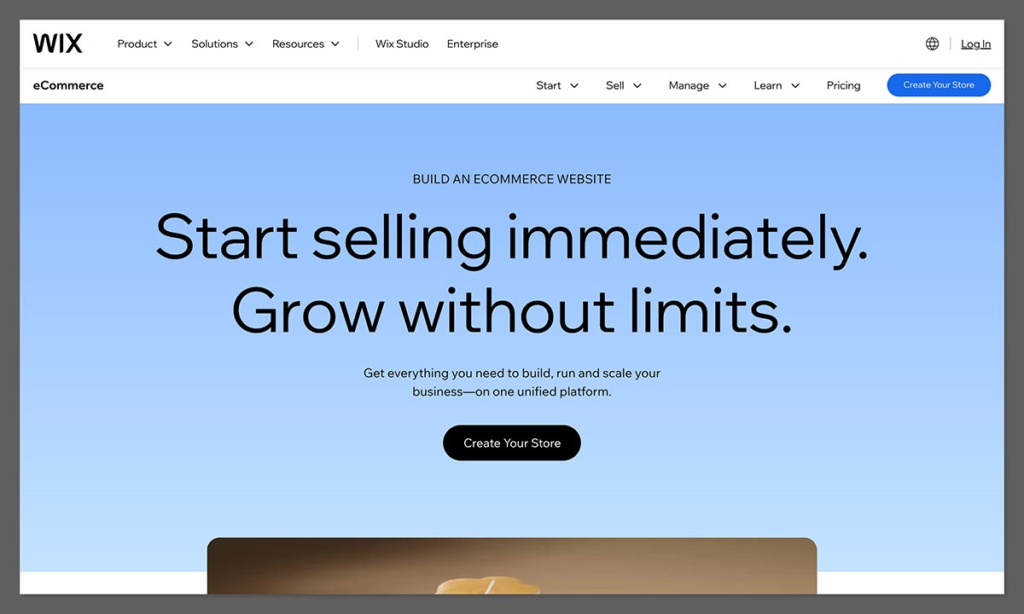
Wix is what I suggest when someone wants a website that happens to include a store. It’s not as ecommerce-heavy as Shopify, but it’s one of the easiest ways to get a beautiful site up quickly, especially if you’re just starting out.
Pricing
| Plan | Monthly Cost (USD) |
|---|---|
| Core | $29 |
| Business | $36 |
| Business Elite | $159 |
The Core plan is $29 per month and gives you the essentials for selling online, including a full website, online store, basic marketing tools, and 24/7 support. It’s great if you want a simple, all-in-one setup without any fuss.
The Business plan costs $36 per month and adds more storage, advanced marketing integrations, and increased flexibility for growing stores. It’s a smart next step if you need more tools as your store expands.
The Business Elite plan is $159 per month and includes priority support, custom reports, and higher performance limits across the board. This plan is aimed at serious sellers who want full access to Wix’s top-tier ecommerce features.
What Makes It Beginner-Friendly
Wix’s drag-and-drop builder is genuinely intuitive. You don’t need to know a thing about coding or design. You pick a template, adjust it with your branding and content, and you’re off. It also includes basic ecommerce tools like inventory tracking, payment processing, and simple coupons.
This is especially helpful if you’re offering just a few products or services and you want your website to feel more personal and branded.
Here’s why Wix works well for new sellers:
- Beautiful templates with full customization
- Easy store setup and management from the same dashboard as your website
- Built-in marketing features like email automation and abandoned cart recovery (depending on the plan)
The Tradeoffs
Wix isn’t as deep as Shopify when it comes to ecommerce features. If you need advanced checkout flows, integrations with fulfillment providers, or multichannel selling, you’ll hit limits. The app marketplace also isn’t as strong in the ecommerce space.
Migrating away from Wix later on can also be a challenge. If your business takes off and you want to move to Shopify or another more advanced platform, you’ll need to rebuild your store.
Pros and Cons
Pros
- Easiest builder I’ve used for creating a good-looking website
- Includes basic ecommerce tools for selling digital or physical products
- Great for small catalogs or service-based businesses
Cons
- Lacks advanced ecommerce workflows
- App store is weaker for ecommerce-specific tools
- Not ideal for larger catalogs or scaling operations
Wix is a great choice if you’re starting small and want the easiest possible path to a good-looking store. It’s perfect for beginners who prioritize simplicity over deep ecommerce features.
3. Squarespace – Best If You Care About Design and Simplicity

If you’ve ever looked at someone’s beautifully designed portfolio or online store and thought, “I want that,” there’s a good chance it was built on Squarespace. It’s incredibly design-focused and strikes a good balance between website and store.
Pricing
| Plan | Annual Billing (USD/month) |
|---|---|
| Personal | $16 |
| Core | $23 |
| Plus | $39 |
| Advanced | $99 |
The Personal plan is $16 per month when billed annually, and is best for building a professional website without ecommerce. It’s ideal if you just need a portfolio or content-driven site.
The Core plan costs $23 per month with annual billing and includes basic ecommerce features like product listings, checkout, and limited merchandising tools. It’s a good fit for simple online stores with a small catalog.
The Plus plan is $39 per month annually and adds customer accounts, more advanced merchandising, and promotional tools. It works well for creators and small brands selling more actively.
The Advanced plan runs $99 per month when billed annually and unlocks subscription products, advanced discounts, and high-end selling tools. It’s best for stores with more complex ecommerce needs or higher sales volume.
What Makes It Beginner-Friendly
The thing I appreciate about Squarespace is the consistency. The editing experience is smooth, the templates look polished without much effort, and the ecommerce features are all integrated cleanly. You don’t have to juggle plugins or apps.
It’s a strong choice for artists, creators, and lifestyle brands that want a clean storefront alongside blog content or visual storytelling.
Here’s what stands out:
- World-class templates built for visual impact
- Simple merchandising tools for managing small catalogs
- No plugins or external apps required to get a great experience
The Tradeoffs
While Squarespace is beautiful, it’s not built to handle complex ecommerce needs. You won’t find deep integrations with fulfillment tools or advanced shipping logic. There’s also limited flexibility if you want to heavily customize your checkout process.
It’s more of a curated storefront than a complex online retail operation.
Pros and Cons
Pros
- Stunning templates and visual design
- Smooth editing and publishing experience
- Good fit for brands that want content and commerce combined
Cons
- Limited scalability compared to Shopify
- Fewer customization options for advanced ecommerce
- Some workarounds needed for selling things like subscriptions or downloads
Squarespace works best for creators and small brands that care more about presentation than advanced selling tools. If your store supports your content or brand, not the other way around, it’s a strong option.
4. Square Online – Best If You Sell In-Person and Want to Add Online
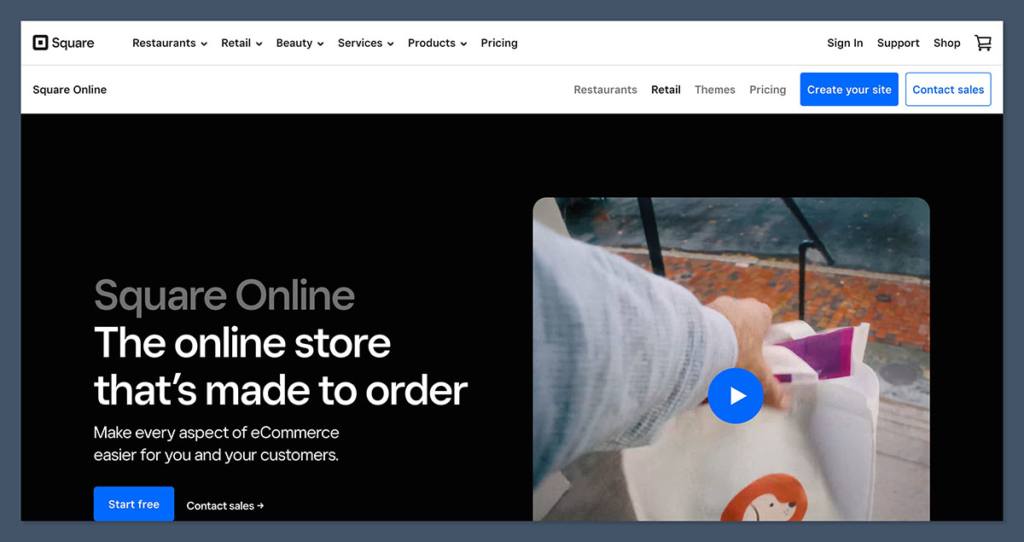
Square Online is the most natural fit if you’re already using Square to process payments at a physical location. It lets you add an online store without starting from scratch, and the integration is seamless.
Pricing
| Plan | Monthly Cost (USD) |
|---|---|
| Free | $0 |
| Plus | $49 |
| Premium | $149 |
The Free plan costs $0 per month and lets you set up a basic online store with Square branding, standard checkout, and synced inventory if you use Square POS. It’s a good option for testing demand or adding simple online ordering to an existing in-person business.
The Plus plan is $49 per month and removes Square branding while adding more customization options, advanced site settings, and improved customer experience features. It’s suited for growing local businesses that want a more polished online presence.
The Premium plan costs $149 per month and includes lower processing rates, advanced shipping features, and priority support. It’s designed for higher-volume sellers who rely on both in-person and online sales and want better margins as they scale.
What Makes It Beginner-Friendly
You can literally go from zero to an online store in an afternoon. Square’s interface is easy to understand, especially if you’ve used their POS tools before. The inventory and payment systems sync between offline and online, which is huge for brick-and-mortar sellers.
Highlights include:
- Free plan to test out the platform
- POS and online sync, including inventory and orders
- Simple layout and store setup process
The Tradeoffs
Square Online isn’t as flexible or feature-rich as Shopify. If you want to build a fully branded online experience, the design options are more limited. There’s also a cap on how much you can customize the backend experience or integrate with other tools.
Still, for local shops or service-based businesses moving online, it’s more than enough to get started.
Pros and Cons
Pros
- Free plan makes it easy to try
- Strong offline-to-online connection
- Good for food, retail, studios, or service businesses
Cons
- Limited design customization
- Not great for scaling or running a purely online business
- Fewer advanced ecommerce features
If you already sell in-person and want to get online fast, Square Online makes that transition smooth and affordable. It’s not built for large ecommerce operations, but for local retail or services, it’s more than enough.
5. Ecwid – Best If You Already Have a Site and Want to Add a Store
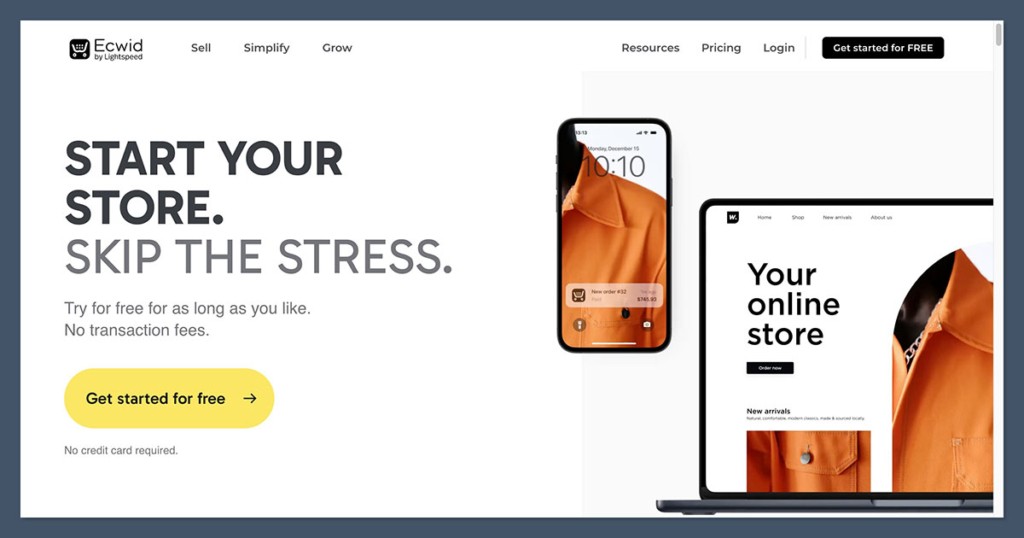
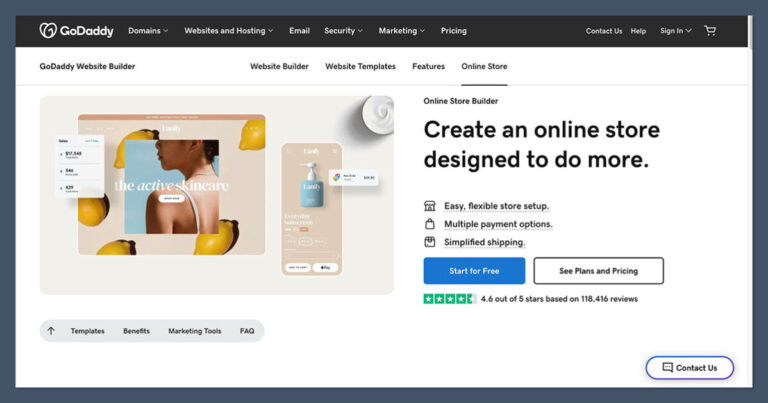
Ecwid is for people who already have a website and don’t want to start over just to sell something. You can embed it into most platforms—WordPress, Wix, Weebly, or even a custom-coded site—and start selling quickly.
Pricing
| Plan | Monthly Cost (USD) |
|---|---|
| Free | $0 (limited items) |
| Venture | $19 |
| Business | $39 |
| Unlimited | $99 |
The Free plan costs $0 per month and supports a limited number of products, making it ideal for testing the waters or adding a basic store to an existing site with minimal setup.
The Venture plan is $19 per month and includes essential features like discount coupons, inventory tracking, and the ability to sell on social media. It’s a good starting point for small stores that need more than the basics.
The Business plan costs $39 per month and adds features like product variations, abandoned cart recovery, and marketplace integrations. It’s built for sellers who are ready to grow across multiple channels.
The Unlimited plan is $99 per month and unlocks everything Ecwid offers, including priority support, advanced SEO tools, and unlimited product listings. This tier is best for fully developed businesses wanting maximum flexibility and reach.
What Makes It Beginner-Friendly
Ecwid’s dashboard is simple, focused, and clean. You don’t need to manage a separate website, and you can manage everything from products to orders from one place. If you’ve already built your site and just want to sell a few things, this is a low-friction way to do it.
Key benefits include:
- Add a store to your existing website without rebuilding
- Manage all ecommerce functions from one dashboard
- Free plan is surprisingly usable
The Tradeoffs
Ecwid is great for bolt-on stores, but it’s not ideal for full-fledged ecommerce brands. If you start building out product collections, advanced funnels, or automations, you’ll run into its limitations. It also relies on your existing site’s design, which can limit how you present your products.
Pros and Cons
Pros
- Fast and simple to add to an existing site
- Good for smaller stores and quick setups
- Multi-channel selling included in higher tiers
Cons
- Not ideal if you want to build an entire ecommerce brand from scratch
- Features you need may only exist on higher plans
- Limited customization compared to hosted platforms
Ecwid is ideal when you already have a site and just want to add ecommerce without rebuilding. It’s lightweight, flexible, and gives you time to grow before committing to a full ecommerce platform.
6. WooCommerce – Best If You Want Control and Use WordPress
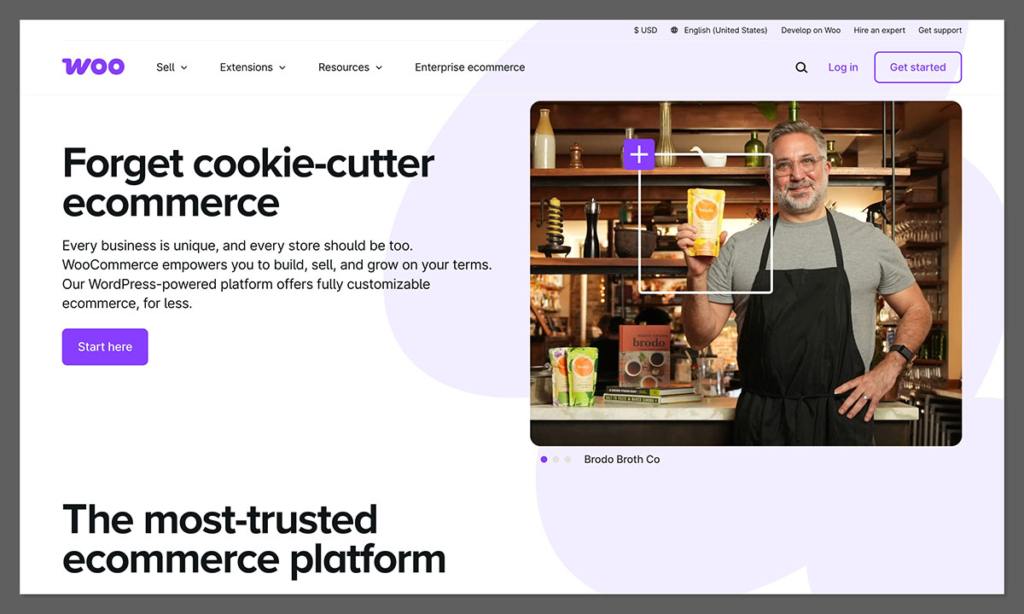
WooCommerce is an open-source ecommerce plugin for WordPress. It’s powerful, flexible, and endlessly customizable—but it comes with more responsibility. It’s best suited for people already familiar with WordPress.
Pricing
| Component | Estimated Cost (Annual) |
|---|---|
| WooCommerce Core | Free |
| Hosting | $100–$300 |
| Domain | $10–$15 |
| Theme + Plugins | $100–$400+ |
| Total | $200–$700+ |
The WooCommerce core plugin is free to use, which makes it appealing at first glance. However, the real costs come from the supporting pieces. Hosting typically ranges from $100 to $300 per year if you want solid performance and security, while a custom domain adds another $10 to $15 annually. Premium themes and plugins can cost anywhere from $100 to $400 or more, depending on what features you need.
Altogether, a basic WooCommerce setup usually totals $200 to $700+ per year. It can be cost-effective if you’re careful, but the added complexity and ongoing maintenance make it better suited for users already comfortable with WordPress.
What Makes It Beginner-Friendly
Technically, it’s free and open-source, which sounds great. But the real value comes from the fact that WooCommerce gives you total control over your store. If you already have a WordPress site, adding WooCommerce is straightforward.
Advantages include:
- Full control over the store’s look, feel, and functionality
- Deep plugin ecosystem for every feature imaginable
- Great for content marketing if you’re blogging already
The Tradeoffs
The flip side of control is responsibility. You’re managing updates, plugin compatibility, performance, and security. Many beginners underestimate the time and energy this takes. Unless you’re comfortable troubleshooting or hiring help, WooCommerce can become a bit of a project.
Pros and Cons
Pros
- Total control and flexibility
- Great for integrating with a content-heavy WordPress site
- Potentially cost-effective if you’re careful
Cons
- More technical than hosted builders
- Higher maintenance and setup time
- Can become costly depending on needs
WooCommerce is powerful but hands-on, best for sellers who are already familiar with WordPress. If you want full control and don’t mind doing some extra setup and maintenance, it gives you more flexibility than any hosted platform.
Final Thoughts
Choosing the right ecommerce platform as a beginner isn’t about finding the “best” overall tool. It’s about finding the right fit for your goals, your tech comfort level, and your plans for growth. I’ve worked with all of these platforms, and they each serve different types of sellers.
If you’re looking for something that works out of the box and will grow with you, Shopify is a strong bet.
If you want a website that happens to sell products, Wix or Squarespace are easier to manage. And if you’re already using WordPress or selling in person, WooCommerce or Square Online might be the better path.
Start small, test what works, and don’t overcomplicate it at the beginning. You can always switch tools later, but getting started now matters more than picking the “perfect” setup.